Small Living Room Ideas With TV: How to Make Both Work

A TV and a small living room seem like they should be natural enemies. One is a large, dark rectangle demanding attention from across the room. The other is a space already short on square footage. But they coexist just fine in millions of apartments — the difference is usually a few specific decisions about size, placement, and how the seating is arranged around it.
This guide covers the practical side: what size TV actually works in a small room, how to mount it without a contractor, how to deal with cords, and how to arrange your furniture so the room doesn't feel like a home theater that ran out of money.
TV Size for Small Rooms: The 55-Inch Rule
The general rule for TV sizing is that your viewing distance should be about 1.5 times the diagonal screen size. So if your sofa sits 7 feet from the wall, a 55-inch TV is roughly the right size (7 feet x 12 = 84 inches ÷ 1.5 = 56). For most small living rooms, 55 inches is the practical ceiling — and often 50 or 48 inches is a better fit without dominating the space.
The instinct in a small room is often to go smaller to compensate, but that can backfire. A TV that's too small for your viewing distance means you end up leaning forward or squinting, which makes the room feel uncomfortable rather than cozy. Match the size to the distance, not to the room's square footage.
Current 4K TVs at 55 inches are available from $350 to $800, with good mid-range options from TCL and Hisense in the $400-500 range. You don't need to spend $1,500 to get a TV that looks great in a small room.

Wall Mounting Saves More Floor Space Than You Think
A wall-mounted TV removes the TV stand or entertainment center from the equation, which in a small living room can free up 12 to 18 inches of floor depth — enough to noticeably open up the space. A fixed wall mount costs $30 to $80. A full-motion articulating mount (which lets you angle the TV without moving the furniture) runs $100 to $200 and is worth it if you have any seating off to the side.
Mounting height matters more than most people realize. The center of the screen should be at eye level when you're seated — which is typically about 42 to 48 inches off the floor. Mounting it too high (above the fireplace mantel, for instance) causes neck strain during long viewing sessions and makes the TV feel like it's in a different room from the seating.
If you're renting and can't put anchors in the wall, a TV floor stand (not a traditional TV console — a floor stand that mounts to the TV itself) gives you a similar footprint-minimizing effect and is fully removable.

Gallery Wall Around the TV: Integrate It Instead of Hiding It
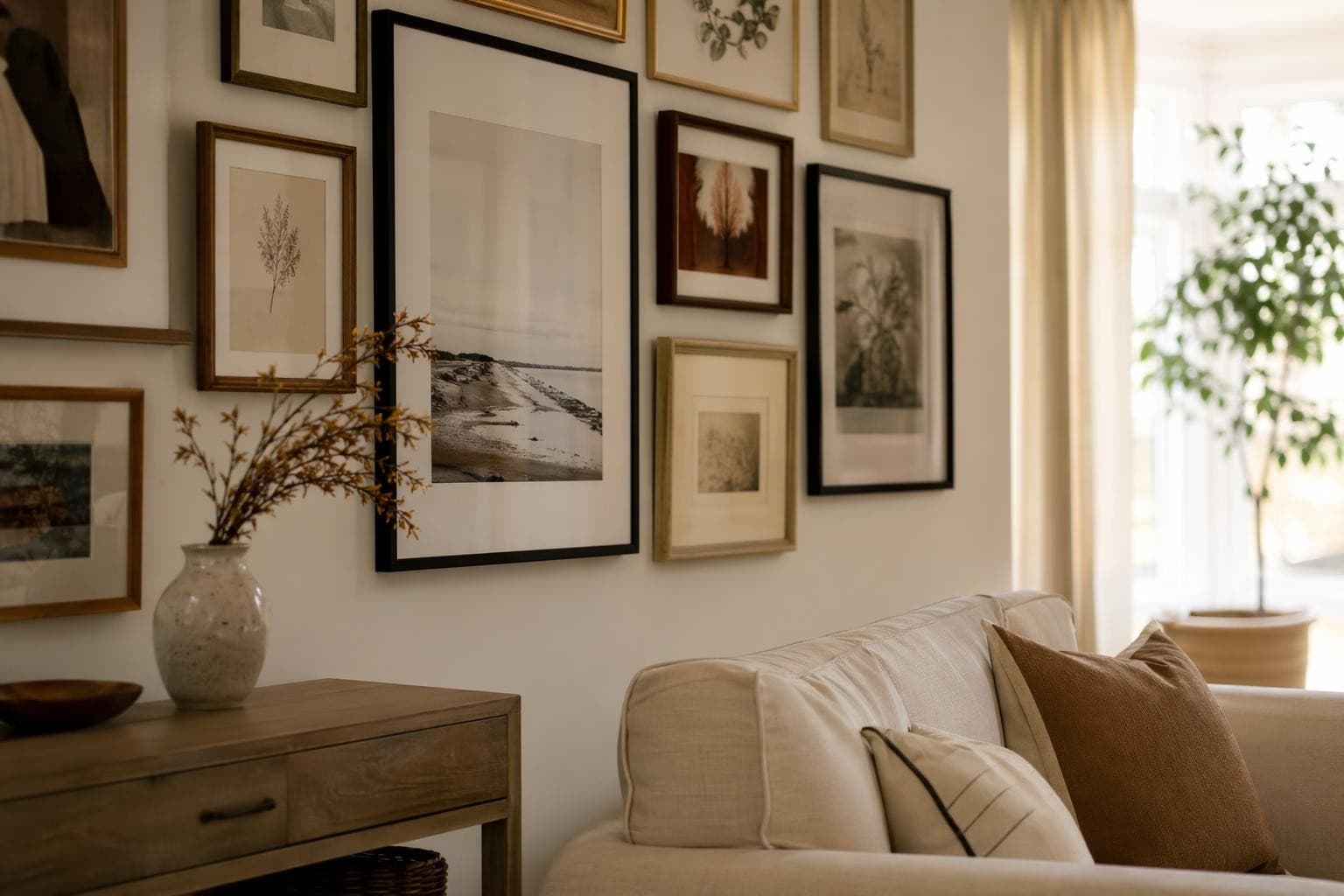
One of the most effective small living room ideas with TV is to treat the TV as part of a larger gallery wall rather than an isolated rectangle on a blank surface. Surround it with framed art, floating shelves, and plants at varying heights. When the TV is off, it becomes one element in a styled wall composition rather than the obvious focal point.
The key is to keep framed pieces within 4 to 6 inches of the TV's edge on each side, and to vary the sizes so nothing looks like it's trying to compete with the screen. Black frames tend to blend the TV into the arrangement the most naturally, since most TV bezels are also black. A gallery wall like this costs $50 to $200 in frames and art, and can completely change how the TV reads in the room.
Corner Placement for Awkward Layouts
If your living room is an awkward shape — a long narrow rectangle, an L-shape, or a room where the main wall is interrupted by a door or window — corner placement for the TV can solve the layout puzzle. A corner-mounted TV with an articulating arm can serve seating arranged in an L-shape, which makes much better use of an awkward room than forcing everything to face one flat wall.
Corner TV stands are also an option if you're not mounting. They're typically triangular in profile and designed to fit into corners exactly — a floating corner shelf with the TV on top keeps the floor clear while giving you a surface for a soundbar or console.
Floating Media Console vs. Entertainment Center
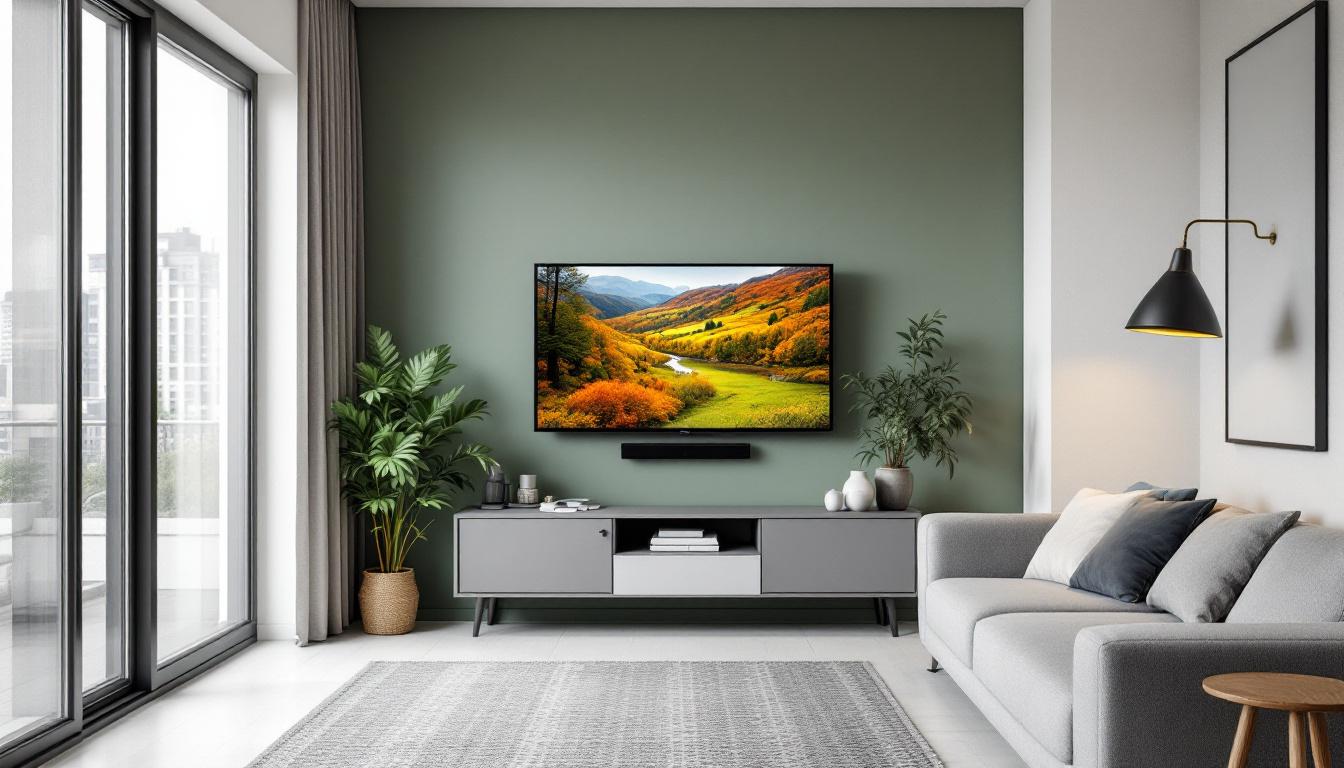
If you want something under the TV to hold gear and look intentional, a floating media console is far better than a full entertainment center in a small room. Entertainment centers that extend floor to ceiling fill every inch of vertical space and make a small room feel like a wall of furniture. A floating console (mounted to the wall at about 18 to 24 inches off the floor) keeps the bottom half of the wall clear and makes the ceiling feel higher.
Floating media consoles range from $200 to $800 depending on size and material. IKEA's Besta system starts around $200 and is endlessly configurable. West Elm and CB2 have more polished options in the $500 to $800 range. For a small room, keep the console width proportional — you don't need it to span the full wall.
Frame TV as Art: The Premium Option
Samsung's The Frame TV is specifically designed to look like a framed piece of art when it's off — it displays curated artwork and has a matte screen that reduces glare. Prices range from about $1,000 for a 50-inch to $2,500 for a 75-inch. It's not cheap, but it genuinely solves the "TV as ugly focal point" problem that plagues small rooms.
If you're designing a small space and the TV is the main aesthetic problem, The Frame is worth considering as part of your overall budget. It eliminates the need to style around a black rectangle and lets the TV wall look intentional whether the TV is on or off. It does require a subscription for the art service ($7/month) to get the full library, though some art comes included.
Cord Management: A $10 Fix That Makes Everything Look Better
Dangling cords are the single most common thing that makes a mounted TV look unfinished. A plastic cord channel kit (the kind you paint or stain to match your wall) runs $10 to $30 and routes all cables in a straight vertical line from the TV down to the console or outlet. It takes about 20 minutes to install and makes the whole wall look deliberately styled rather than hastily assembled.
If you want a cleaner solution and are willing to do some drywall work, an in-wall cable management kit routes cords inside the wall entirely (around $25 to $60 for the kit). This requires cutting two small holes — one behind the TV, one near the baseboard — and fishing cables through. It's the cleanest possible result and worth the extra effort if you're mounting permanently.
Seating Arrangement: Sofa vs. L-Shape
In a small living room, a single sofa facing the TV is often the most space-efficient layout. It keeps one wall clear and makes the room feel longer. But if you have people over frequently, an L-shaped configuration (sofa plus a loveseat or two armchairs at a 90-degree angle) creates more seating without requiring a larger room — you're using corner space that would otherwise be wasted.
For small rooms, leggy furniture (pieces with visible legs rather than ones that sit flush on the floor) make the space feel lighter. A sofa with 6-inch legs shows the floor underneath and creates a visual break that makes the room feel bigger. Low-profile, floor-level furniture does the opposite — it feels heavy and compresses the space.
Lighting That Works With a TV: Bias Lighting
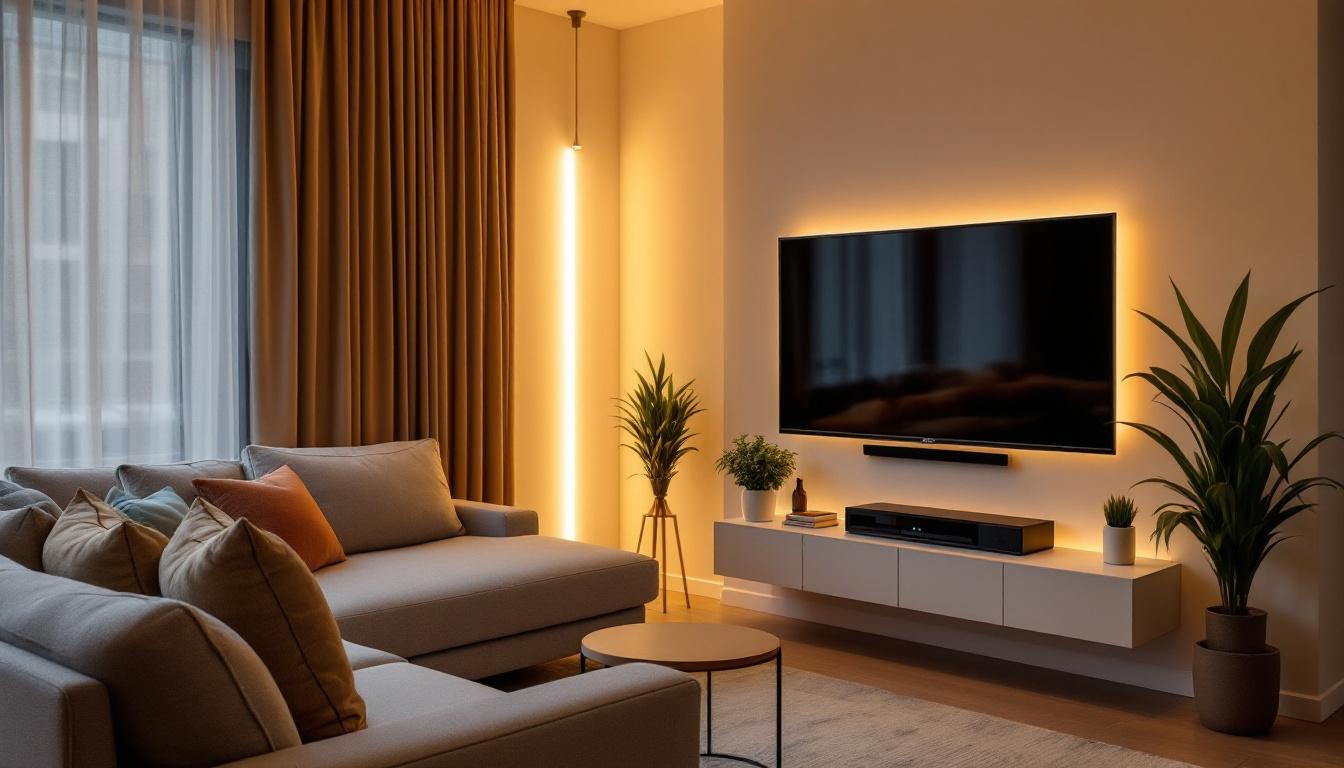
Bias lighting is a strip of LED lights mounted on the back of your TV, facing the wall. When you're watching in a dim room, the soft glow behind the screen reduces the contrast between the bright screen and the dark surrounding area — which is exactly what causes eye strain during long viewing sessions. A good bias lighting kit costs $15 to $30 and takes 10 minutes to stick on.
For the overall room, aim for layered lighting that you can dim when watching TV. Overhead lighting at full brightness creates glare on the screen. A floor lamp or table lamp on a dimmer, positioned behind or beside the seating rather than directly in front of the TV, gives you enough light to navigate the room without washing out the picture. Warm-toned bulbs (2700K to 3000K) also reduce the clinical feel of a bright overhead light and make the whole room feel more relaxed.
The goal in a small living room with a TV isn't to pretend the TV isn't there — it's to integrate it so deliberately that it enhances the room instead of competing with it. Size it correctly, mount it at the right height, manage the cords, and arrange the seating for the room's actual dimensions rather than an imaginary larger space. The room will feel better for it.