أعد تصميم مخطط
في ثوانٍ
ميزة مخطط إلى ثلاثي الأبعاد تحول أي رسم مسطح إلى تصور فوتوريالي تفهمه فورًا دون خبرة معمارية. ارفع اسكتش، بلوبرينت أو مخطط رقمي، وتقوم الذكاء الاصطناعي بإنشاء رندر ثلاثي الأبعاد للمساحة مع الغرف، مواضع الأثاث والتشطيبات لتجعل المخطط ينبض بالحياة. أغلبنا يجد صعوبة في قراءة مخططات 2D لأن الخطوط والأبعاد لا تُظهر إحساس الحركة داخل المكان. هذا يحل المشكلة خلال نحو 10 ثوانٍ. مثالي لمرحلة ما قبل البناء، العروض للعملاء، تسويق الوحدات غير المُشيدة، والتحقق من توزيعات المساحات قبل صب الأساسات. أول 3 رندرات مجانًا دون بطاقة.
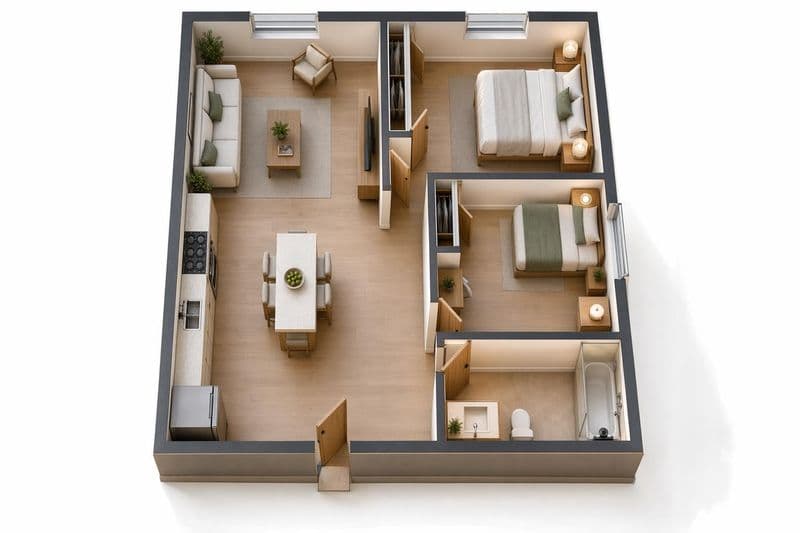
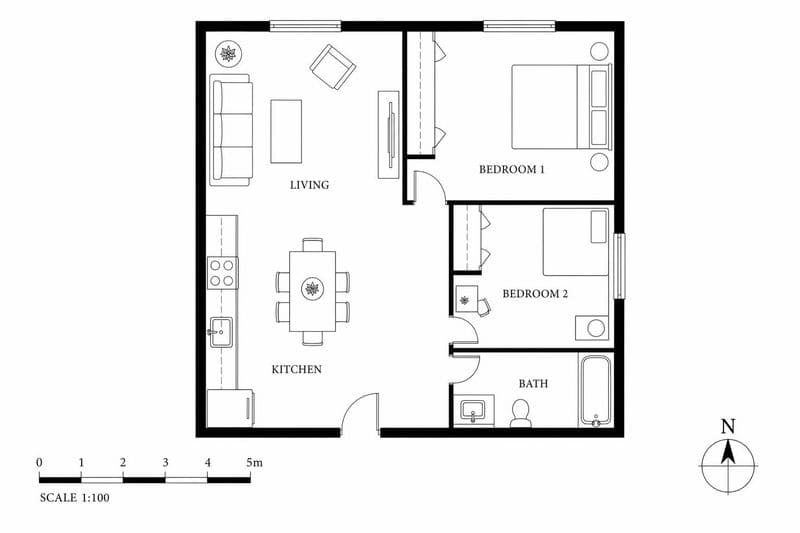
أساليب تصميم مخطط
Furnished Render
أثاث وديكور ومواد مكتملة. شاهد المساحة وكأنك تعيش فيها.
Empty Shell
جدران وأرضيات ونوافذ فقط. مساحة بيضاء لخيالك.
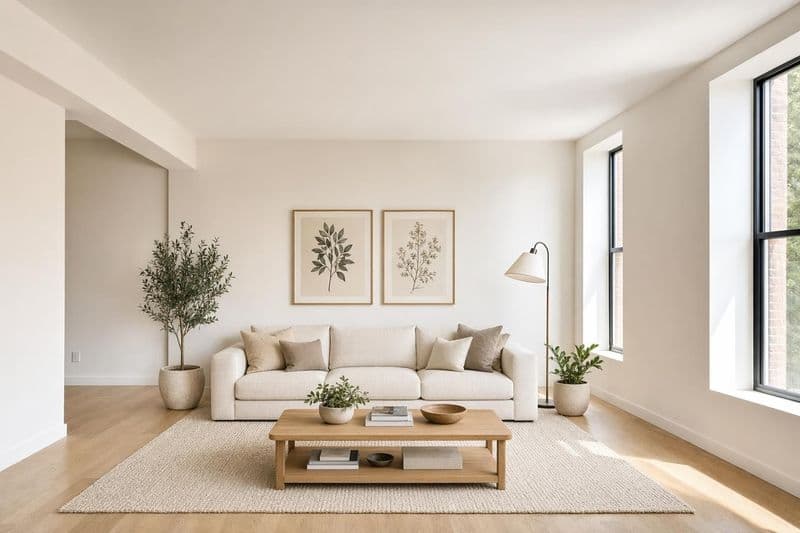
Architectural
تركيز على البنية. مواد مكشوفة، إضاءة طبيعية وهندسة نظيفة.
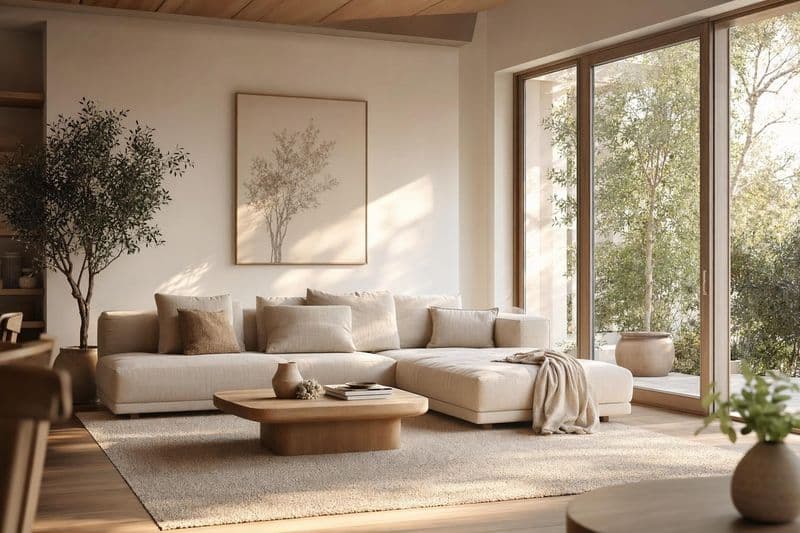
Modern Interior
أثاث وتشطيبات عصرية مطبّقة على مخططك.
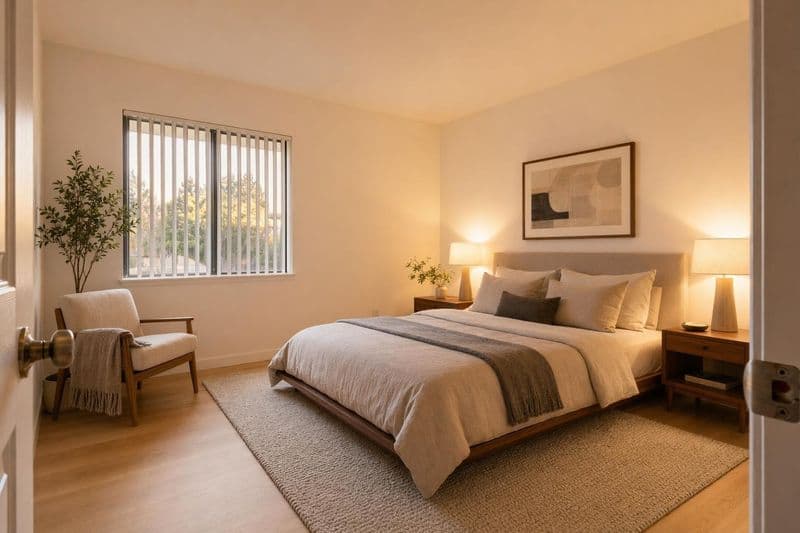
Warm Residential
إحساس دافئ ومعيشي بدرجات لونية دافئة وملمس غني.
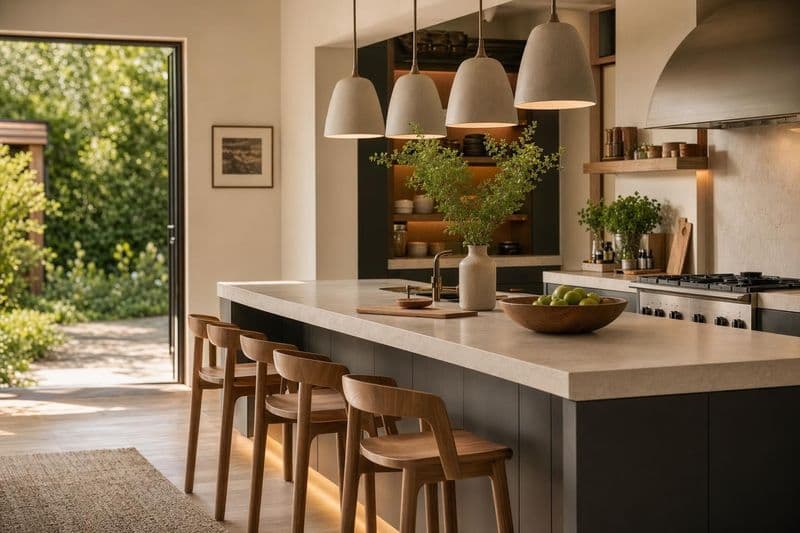
Commercial Office
توزيع مكتبي مع مكاتب، غرف اجتماعات وتشطيبات احترافية.
كيف يساعد الذكاء الاصطناعي في مخطط؟
أحْيِ المخططات المسطّحة
Most people can't read floor plans. They see lines and numbers, not rooms. Turn your 2D plan into a 3D render that anyone can understand. Clients, partners, and buyers immediately see what the space will feel like.
ودّع أسابيع النمذجة ثلاثية الأبعاد
Traditional 3D modeling from floor plans takes a professional days or weeks. The AI does it in seconds. It's not replacing your architect, but it gives you a fast visualization to validate ideas before investing in detailed CAD work.
بِع قبل أن تبني
Developers and agents use floor plan renders to pre-sell units. Buyers who can visualize a space are more likely to commit. Turn every floor plan in your listing into a rendered interior that sells.
نصائح تصميم مخطط
المخططات النظيفة تعطي نتائج أفضل
The AI reads the lines and labels in your floor plan to understand the layout. A cluttered plan with too many annotations, measurement callouts, electrical symbols, and engineering notes can confuse the interpretation. If your plan is busy, try creating a simplified version with just walls, doors, and windows marked clearly. Remove furniture symbols and dimension strings if possible. Hand-drawn sketches work too, as long as the walls are clear straight lines and room boundaries are obvious. A clean input gives you a clean, accurate 3D output every time.
أضف تسميات للغرف
If your floor plan says 'Kitchen' or 'Bedroom,' the AI uses that context to place appropriate furniture and finishes in each space. An unlabeled rectangle could be rendered as any room type, giving you random results. Writing room names in the plan, even by hand with a marker, helps the AI understand what belongs where. You'll get a kitchen with counters, appliances, and a dining nook instead of a random living room setup. Labels like 'Master BR' or 'Office' work great. Even abbreviations help the AI make better decisions about furniture selection and scale.
استخدمه للعروض لا للتنفيذ
Floor plan to 3D renders are visualization tools, not architectural drawings with exact measurements. They show the feeling, style, and spatial relationships of a space, not precise dimensions or structural details you'd need for permitting. Use them to get client buy-in on a concept, help buyers visualize pre-construction units in sales centers, or test interior style directions for a new build before committing. Don't use them as substitutes for proper architectural renderings when dimensional precision matters for construction or engineering purposes.
صوّر الاسكتشات اليدوية بإضاءة جيدة
You don't need a digital floor plan or CAD software to use this feature. A hand-drawn sketch on paper works perfectly fine. But photograph it with even lighting and no shadows falling across the drawing. Place it flat on a table, use natural light from a window, and make sure the whole page is visible in frame. Avoid angles that distort the proportions of the rooms. A straight-down shot with your phone held parallel to the paper gives the best results. Wrinkled paper, pencil shadows, or partial views are harder for the AI to interpret accurately.
جرّب عدة أنماط على المخطط نفسه
One floor plan, five completely different interiors. Render the same layout as modern, Scandinavian, industrial, traditional, and minimalist to see how style changes the feeling of identical square footage. This is perfect for developers deciding on a model unit direction, real estate agents showing buyers multiple possibilities, or homeowners building new who want to see how different furniture styles feel in their actual floor plan before the drywall goes up. The layout stays the same but the vibe changes completely with each render.
أسئلة شائعة
كل اللي تحتاج تعرفه عن دار هاوس.
لديك أسئلة أخرى؟
فريقنا جاهز لمساعدتك في أي وقت.
البلوبرينت الرقمية، الرسومات المعمارية، صادرات CAD، الاسكتشات اليدوية وحتى الرسومات السريعة على مناديل. المهم أن ترى الذكاء الاصطناعي خطوط الجدران وحدود الغرف بوضوح ليفسّر التوزيع جيدًا. كلما كان المخطط أنظف وأسهل قراءة مع فواصل واضحة كان الرندر أدق. حتى رسومات قلم رصاص بسيطة تعطي نتائج مفيدة.
جديد على دار هاوس؟ ابدأ مجاناً واكتشف كل المميزات.
بدون بطاقة ائتمان • رصيد مجاني للبدء
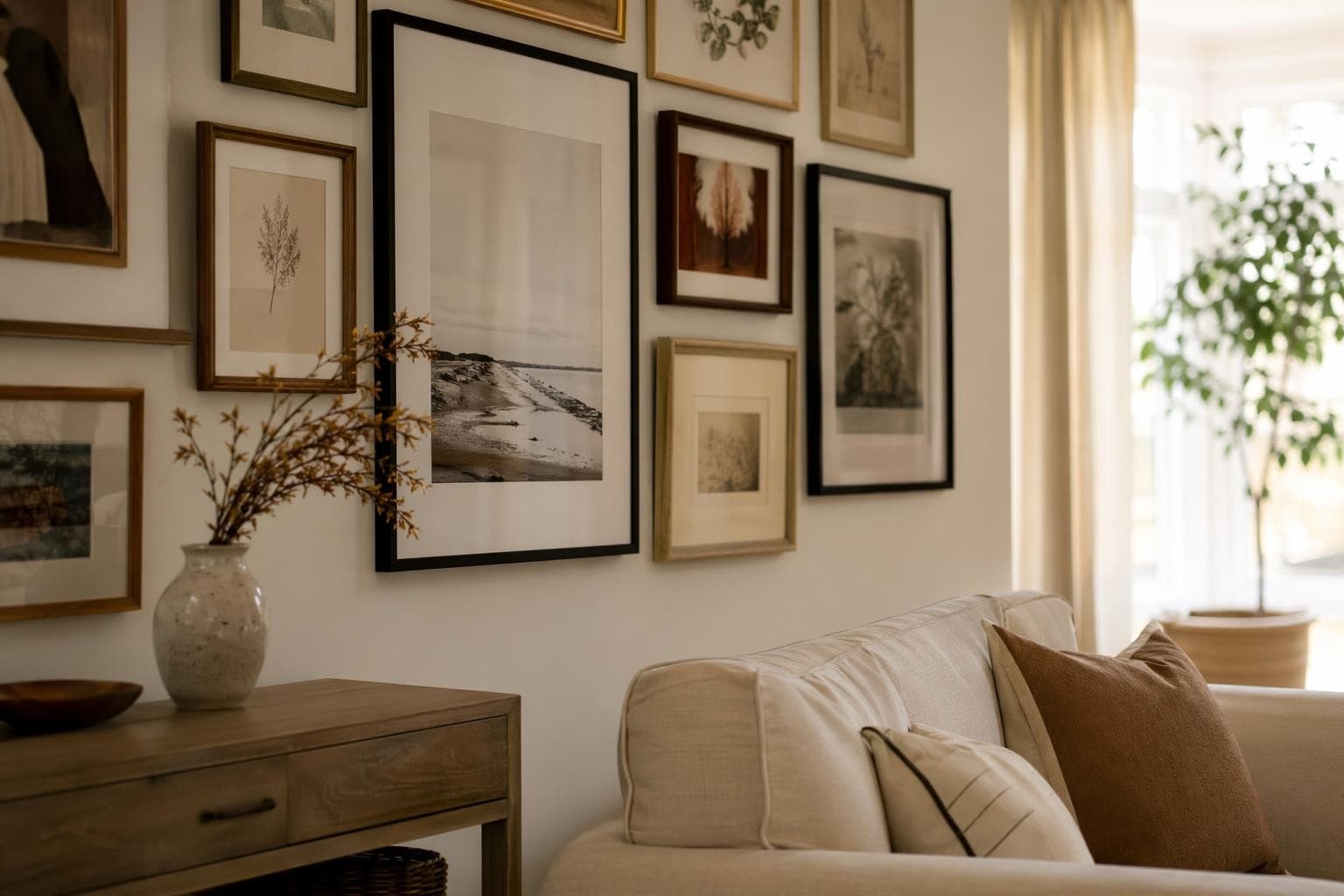
ساعد عملاءك يتخيّلون قبل ما يقررون.
تنسيق عقاري احترافي يبني ثقة المشتري. ارفع صور العقار واحصل على صور جاهزة للعرض في دقائق.