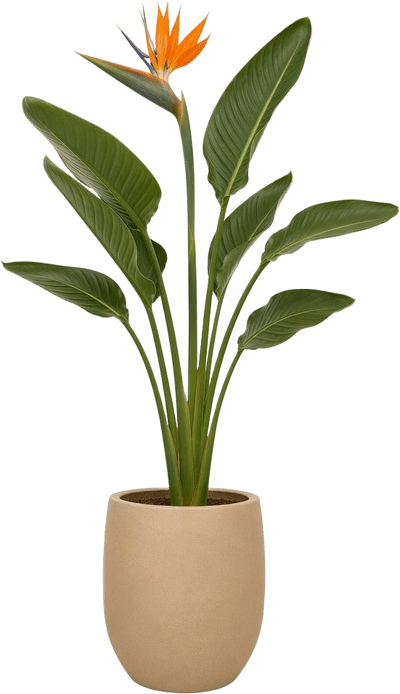
أعد تصميم Inpainting
في ثوانٍ
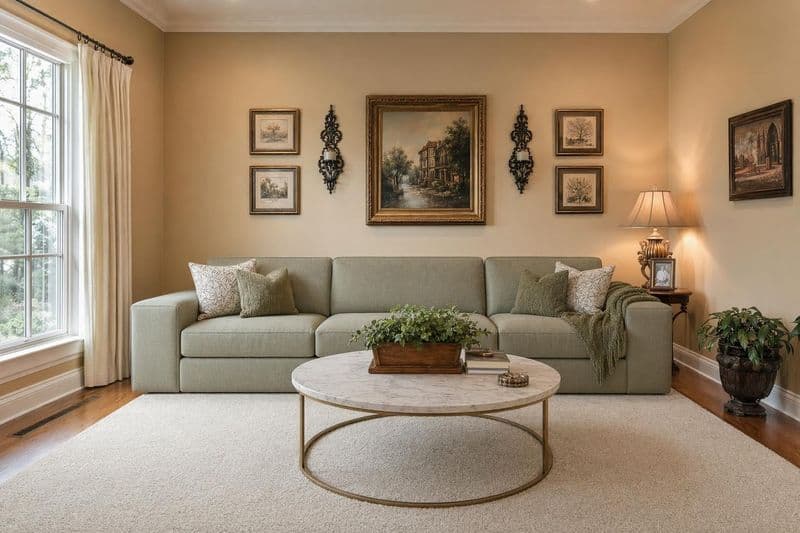
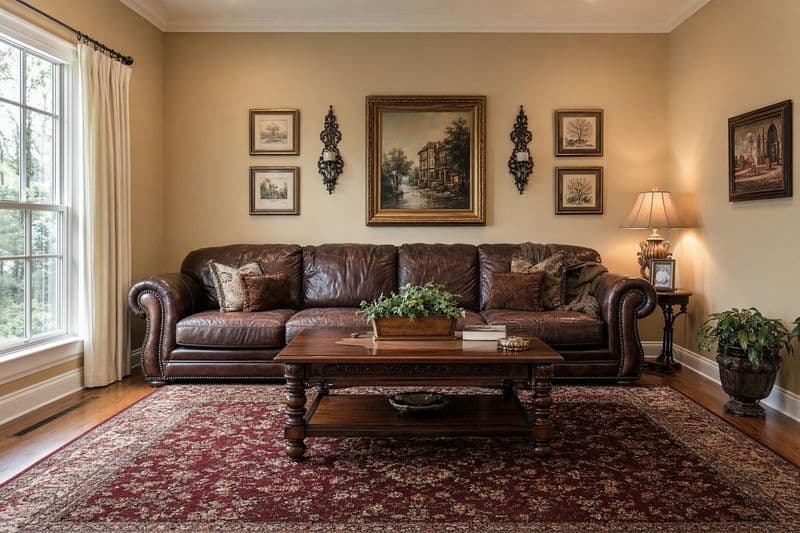
الترميم بالذكاء الاصطناعي يتيح لك تعديل جزء محدد من المساحة دون إعادة تصميم كل شيء. قد تعجبك توزيع غرفة المعيشة لكن لا تطيق الأريكة. أو لون الجدار لا يناسب ذوقك رغم أن باقي التفاصيل مثالية. حدّد المنطقة التي تريد تغييرها، اكتب وصفك، ودع الذكاء الاصطناعي يملأها بتفاصيل واقعية تمتزج بسلاسة مع الصورة. احتفظ بالأريكة لكن بدّل السجادة. أبقِ التخطيط كما هو وجرب لون جدار مختلف. استبدل مصباحاً قديماً دون المساس بأي عنصر آخر في الصورة. إنها عملية تحرير دقيقة لاتخاذ قرارات تصميم داخلي بثقة. كل تعديل يستغرق حوالي 10 ثوانٍ. أسرع وأوفر من الشراء ثم الندم والإرجاع. أول 3 تعديلات مجانية دون الحاجة لبطاقة. أنت تقرر ما يتغير وما يبقى. ولن يتأثر باقي الصورة، ليبدو الناتج طبيعياً ومدروساً.
أساليب تصميم Inpainting
استبدال الأثاث
حدّد قطعة واستبدلها بخيار جديد. نفس الموقع، مظهر متجدد.
تغيير لون الجدار
اطلِ دهانك افتراضياً بأي لون دون عينات. معاينة فورية.
استبدال الأرضية
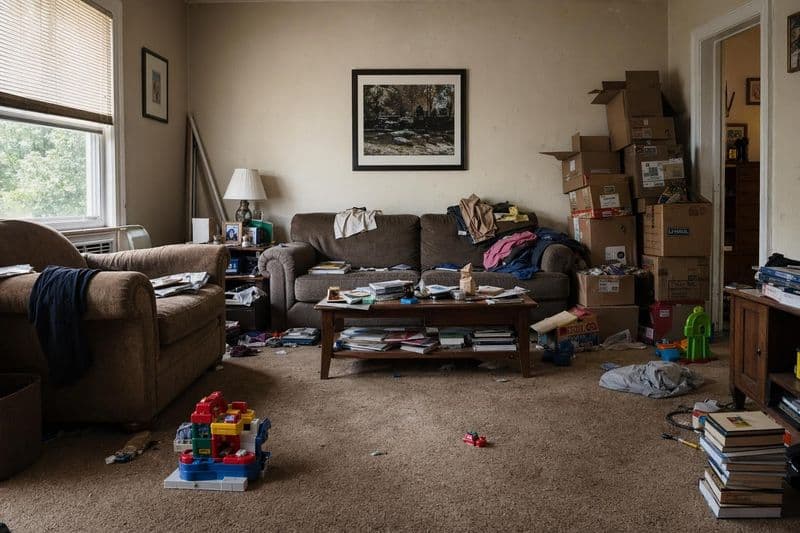
جرّب الخشب أو البورسلان أو السجاد في مساحتك. اختبر قبل الشراء.
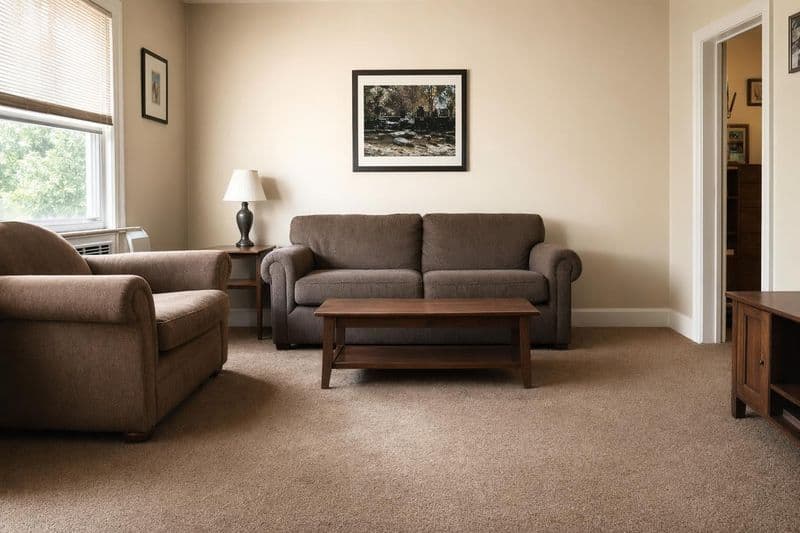
إزالة العناصر
احذف الأسلاك، الفوضى أو الإكسسوارات القديمة. تخلّص مما لا يلزم.
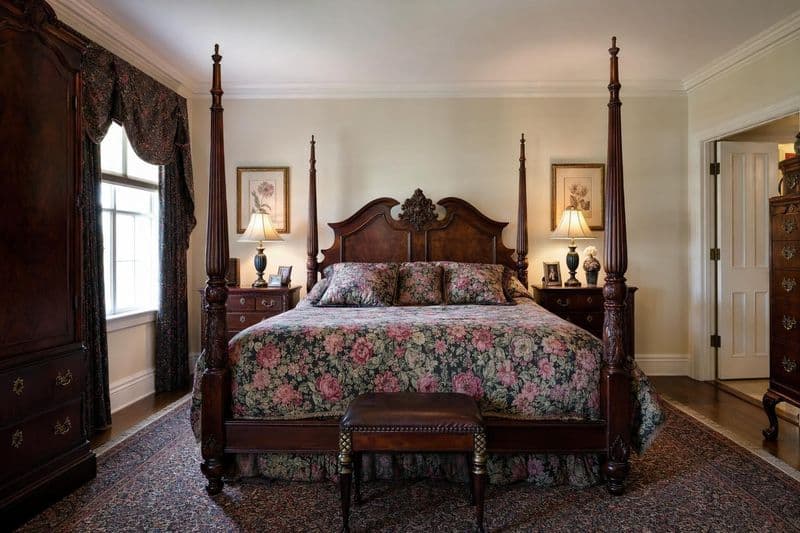
تحديث المقابض ووحدات الإضاءة
مصابيح، خلاطات أو مقابض جديدة. تغييرات صغيرة بتأثير كبير.
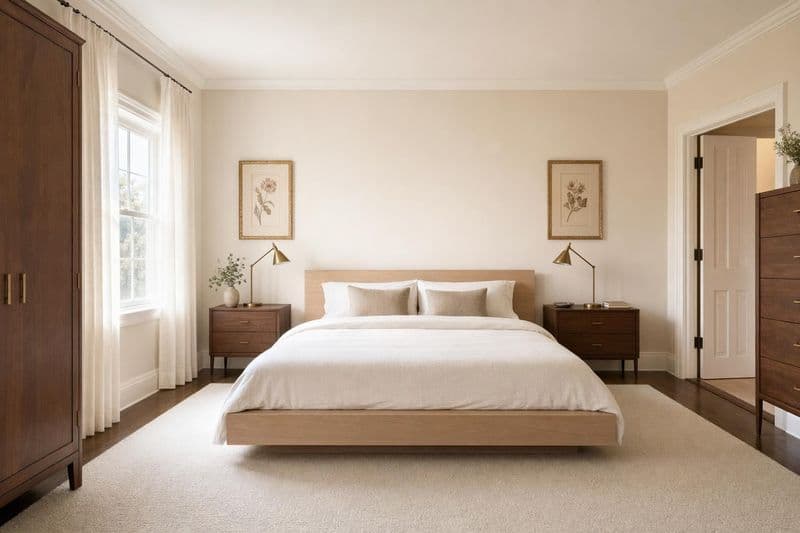
معالجات النوافذ
جرّب الستائر، الشتر أو الستائر الدوارة. شاهد كيف تؤطر النوافذ.
كيف يساعد الذكاء الاصطناعي في Inpainting؟
غيّر شيئاً واحداً دون قلب المكان كله
Full room renders are great for exploring new styles. But sometimes you love your room and just want to swap one piece. Inpainting lets you replace a single item while keeping everything else exactly as it is.
تحكم دقيق في التحرير
Draw a selection around exactly what you want to replace. The AI only modifies what's inside your selection. Everything outside stays untouched. Perfect for testing individual furniture pieces, paint colors, or flooring options.
اتخذ قرارك بسرعة
Can't decide between three rugs? Inpaint just the floor area three times and compare. Much faster than rendering the entire room over and over. Focus your credits on the specific decision you're trying to make.
نصائح تصميم Inpainting
اجعل التحديد أكبر قليلاً من العنصر
When you draw your selection for inpainting, include a small margin around the object, about 10 to 20 pixels of surrounding area. If you're replacing a lamp, select a few inches of wall behind it too. This gives the AI room to blend the new object naturally with its surroundings and match the lighting. Tight selections sometimes leave visible edges or color mismatches where the old and new pixels meet. A generous selection with some background context produces cleaner, more natural-looking results every time. Think of it like masking tape when painting: a little extra coverage prevents messy edges. Most people are surprised how precise it is once they try it on their own photos.
كن محدداً في الوصف
Saying 'a chair' gives the AI too much freedom and you'll get something random. Saying 'a mid-century walnut armchair with cream linen cushions' tells it exactly what you want. The more specific your description, the closer the result to what you had in mind. Include material, color, style, and approximate size if possible. Compare 'a rug' to 'a 5x7 navy blue Persian rug with gold geometric accents.' The second prompt gives you something specific and useful every time. You can always regenerate with a different description if the first result isn't quite right.
قسّم الترتيب الافتراضي على مراحل
Have an empty room? Instead of rendering the whole space at once with a full redesign, you can use inpainting to add furniture piece by piece. Start with the largest item (sofa or bed), then add side tables, then lighting, then decor. This gives you much more control over each individual piece and lets you build the room exactly how you want it rather than accepting whatever the AI decides. It uses more credits per room, but the precision is worth it if you're staging a real estate listing where every detail matters.
عند الحذف، صف الخلفية
Want to remove something from a photo entirely? Select the object and describe what should be behind it. If there's a lamp in front of a white wall, select the lamp and type 'plain white wall with subtle texture.' The AI fills the area with a natural continuation of the background. This works great for decluttering photos before listing them on real estate sites, or for removing personal items like family photos from rooms you want to share publicly. The AI handles shadows and reflections automatically in most cases.
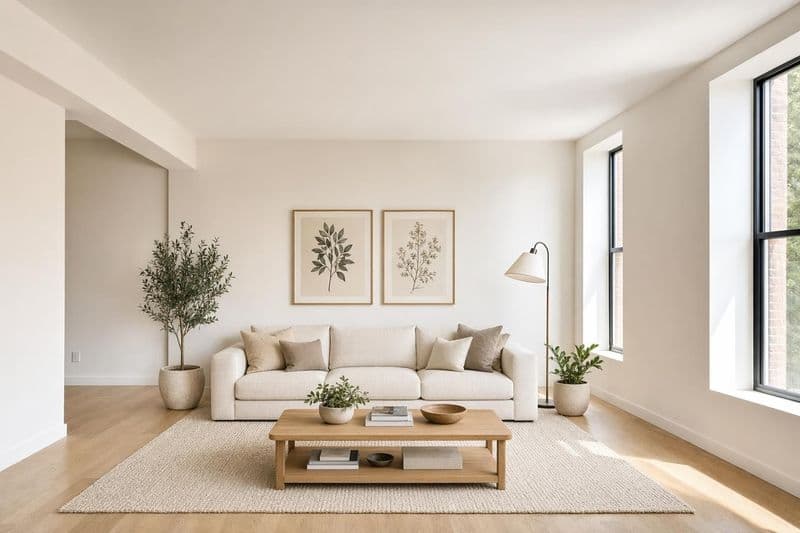
انتبه لاتجاه الإضاءة
Look at where the light is coming from in your photo. If sunlight streams in from the left side, any object you add should have highlights on its left and shadows on its right. You can help the AI by mentioning lighting in your prompt: 'a green velvet sofa, lit from the left with warm natural light.' The AI usually handles this automatically when the light source is obvious, but adding a lighting note produces more consistent results in rooms with strong directional light from windows. Mismatched lighting is the fastest way to make a swap look fake.
أسئلة شائعة
كل اللي تحتاج تعرفه عن دار هاوس.
لديك أسئلة أخرى؟
فريقنا جاهز لمساعدتك في أي وقت.
التصميم الكامل يعيد تشكيل المساحة كلها ويغيّر كل ما يظهر بالصورة. الترميم يتيح لك تحديد منطقة بعينها وتعديلها فقط، وكل ما خارج التحديد يظل كما هو. مناسب لتعديلات دقيقة على عناصر محددة، وليس لإعادة تصميم شاملة.
جديد على دار هاوس؟ ابدأ مجاناً واكتشف كل المميزات.
بدون بطاقة ائتمان • رصيد مجاني للبدء
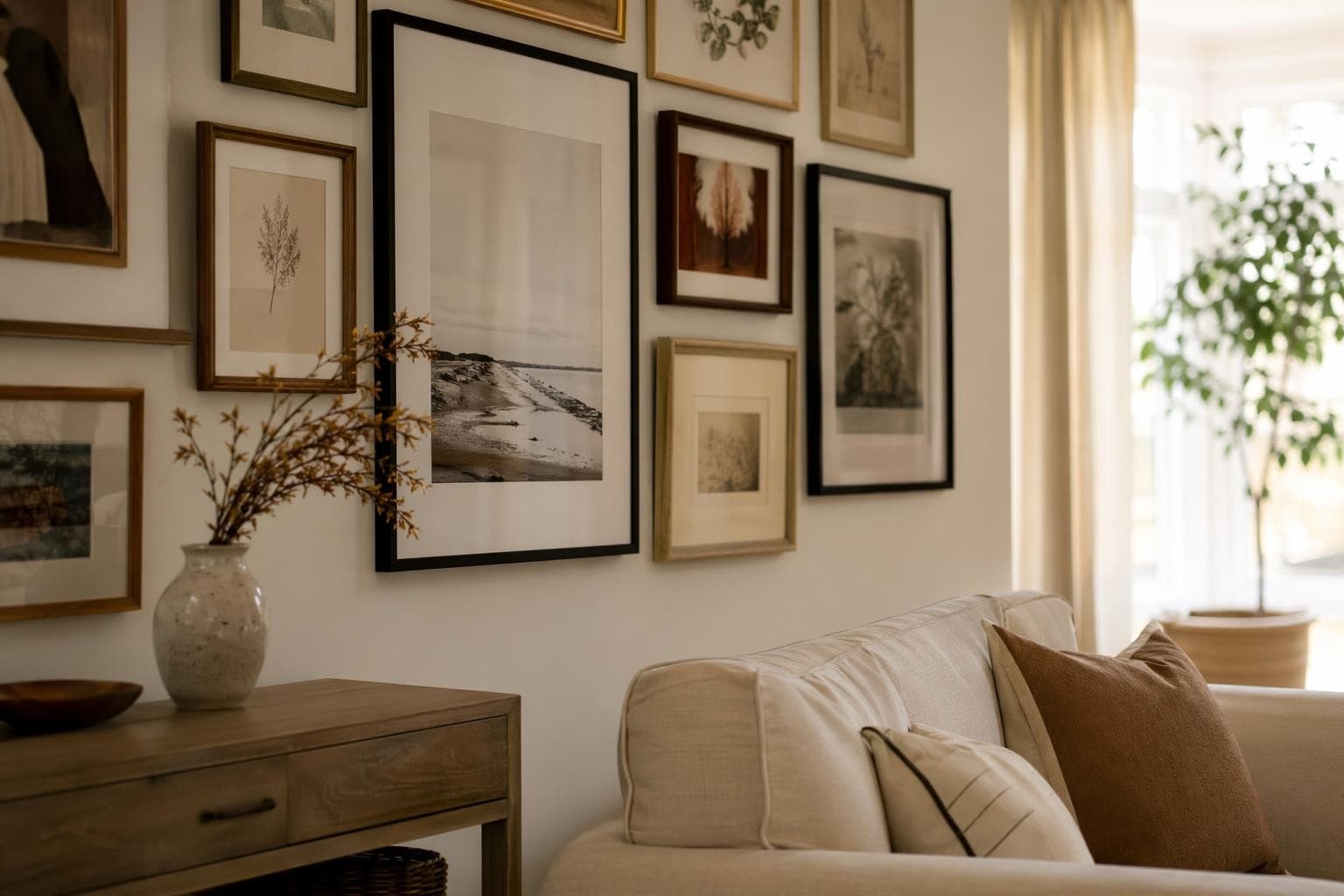
ساعد عملاءك يتخيّلون قبل ما يقررون.
تنسيق عقاري احترافي يبني ثقة المشتري. ارفع صور العقار واحصل على صور جاهزة للعرض في دقائق.